Get paid faster. Close your books with confidence.
For many small and medium-sized businesses in Nigeria, accounting still means a mix of Excel sheets, paper receipts, bank alerts and a once-a-year scramble when the accountant asks for records. Zoho Books brings all of that into one secure, cloud-based accounting system you can run from your laptop or phone.
What is Zoho Books?
Zoho Books is online accounting software for small and growing businesses. It handles invoicing, quotes, expenses, bills, bank reconciliation, inventory, projects and timesheets, tax and financial reporting. It is part of Zoho One and integrates tightly with Zoho CRM, Zoho Inventory, Zoho Expense and Zoho Payroll (where available).
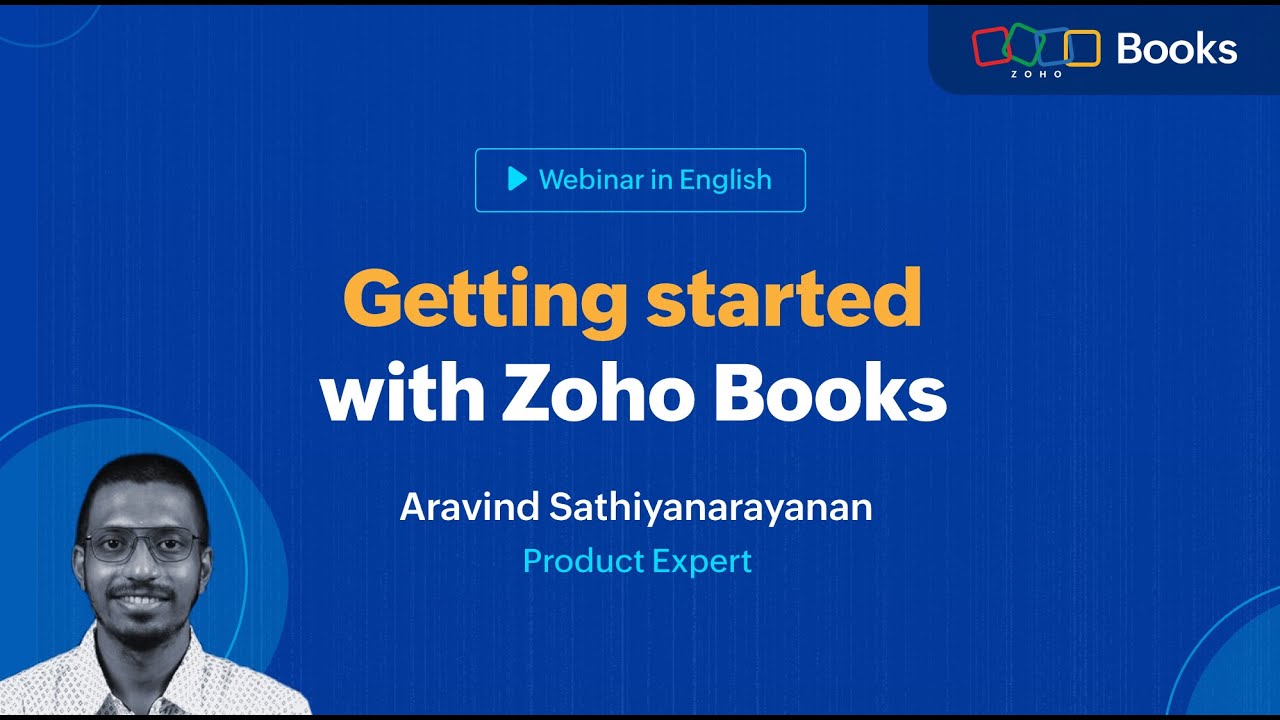
▶ Watch the video: Getting started with Zoho Books (Zoho Books)
Why Zoho Books works well for Nigerian SMEs
- Naira and multi-currency support – bill local customers in NGN and international clients in USD, GBP or EUR, with exchange rate handling.
- Custom tax rates – configure VAT and withholding tax settings in line with current Nigerian tax rules.
- Professional invoices with your logo, bank details and payment terms.
- Mobile apps – snap receipts, send invoices and check cash flow on the go.
- Accountant access – invite your accountant or auditor with the right permissions.
- Cloud-based – no server to maintain, automatic backups, accessible anywhere.
Key Zoho Books features
Invoicing and getting paid
Create quotes, convert them to invoices in one click, send automatic payment reminders, set up recurring invoices for retainers and subscriptions, and accept online payments via supported gateways.
Expense and bill tracking
Record expenses, upload receipts, track vendor bills and schedule payments so you never miss a due date.
Bank reconciliation
Import bank statements and match transactions to invoices and expenses. Reconciliation rules learn your patterns and speed up the process every month.
Inventory management
Track stock levels, set reorder points, manage price lists and see which products are profitable.
Projects and timesheets
Agencies and consultants can log billable hours against projects and invoice clients directly from timesheets.
Financial reports
Get a real-time profit and loss statement, balance sheet, cash flow statement, receivables ageing, sales by customer, VAT summary and dozens more reports.
Zoho Books + Zoho CRM: closing the sales-to-cash gap
When Zoho Books is connected to Zoho CRM:
- Sales reps create estimates from deals without leaving the CRM.
- Won deals become invoices automatically.
- Sales can see if a customer has paid before promising more work.
- Management sees revenue from pipeline to payment in one dashboard.
A real quote-to-cash workflow in Zoho Books
Here is how a typical service business in Lagos or Ibadan might run its finances in Zoho Books:
- A prospect requests pricing. The sales rep creates a quote (from Zoho Books or directly from Zoho CRM) with line items, VAT and payment terms.
- The client accepts the quote online. Zoho Books converts it into an invoice in one click.
- The invoice is emailed with your bank details and an online payment link where supported.
- If payment is late, automatic reminders go out at 3, 7 and 14 days overdue.
- When the bank alert arrives, the payment is matched during bank reconciliation and the invoice is marked paid.
- Monthly, the owner checks the cash flow and receivables reports, and the accountant reviews the VAT summary.
No spreadsheet, no lost invoices, and the full trail is available for audits.
Zoho Books vs QuickBooks vs Sage
| Zoho Books | QuickBooks Online | Sage | |
|---|---|---|---|
| Best for | SMBs wanting a connected suite | SMBs in markets with strong QuickBooks support | Firms with established Sage accountants |
| CRM integration | Native with Zoho CRM | Via integrations | Via integrations |
| Part of a wider suite | Yes – Zoho One | Intuit products | Sage products |
| Multi-currency | Yes | Higher plans | Varies by product |
| Value for money | Excellent | Good | Varies |
All three are capable. Zoho Books stands out when you also use, or plan to use, Zoho CRM and other Zoho apps.
Who should use Zoho Books?
- Service businesses – agencies, consultants, law firms, clinics and training providers
- Traders and retailers – with inventory, purchase orders and multiple price lists
- Start-ups – that want proper books from day one without hiring a full finance team
- Businesses with foreign clients – that bill in USD, GBP or EUR
- Growing companies – that need approvals, user roles and audit trails as the team expands
Zoho Books setup checklist
- Organisation profile, fiscal year, base currency and time zone.
- Chart of accounts – start from the default and adjust to your business.
- Tax settings – VAT and WHT configured per current regulations (check with your accountant).
- Opening balances from your last closing position.
- Bank and card accounts connected or statement import set up.
- Invoice, quote and receipt templates branded with your logo.
- Customers, vendors and items imported.
- Payment reminders and recurring invoices configured.
- User roles – owner, accountant, staff with limited access.
- Integrations with Zoho CRM, payment gateways and inventory.
Tips for getting the most out of Zoho Books
- Reconcile weekly, not yearly. It takes minutes when done often.
- Use transaction rules to auto-categorise frequent bank entries.
- Turn on automated reminders – most late payments are simply forgotten.
- Review your dashboard monthly – cash flow, receivables and top expenses.
- Work with your accountant on tax configuration so filings are accurate.
FAQs
Is Zoho Books good for small businesses in Nigeria? Yes. It is affordable, cloud-based, supports Naira and multi-currency, and has a free plan for very small businesses with limited transactions (subject to Zoho's current terms).
Can Zoho Books handle VAT? Yes. You can create tax rates and tax groups, apply them on invoices and bills, and run tax summary reports. Always confirm the current rates and rules with your tax adviser.
Can I migrate from QuickBooks, Sage or Excel? Yes. Customers, vendors, items, opening balances and historical transactions can be imported.
Get your finances organised
Spauly Digital sets up Zoho Books for Nigerian and international businesses — chart of accounts, taxes, branded templates, bank feeds, CRM integration and staff training — so you get clean books and real-time visibility into your cash.
Need help with Zoho or your business systems?
Book a free consultation with Spauly Digital, a Zoho Authorized Partner. We design, build and support CRM, automation, website and digital marketing solutions for growing businesses.
Book a free consultationwww.spaulydigital.com · info@spaulydigital.com · 08145693491